Buzzli's Idea Generator helps you quickly come up with high-quality LinkedIn content ideas based on your topic. You can then turn these ideas into posts or carousels in just a few clicks.
Step 1: Go to Idea Generator
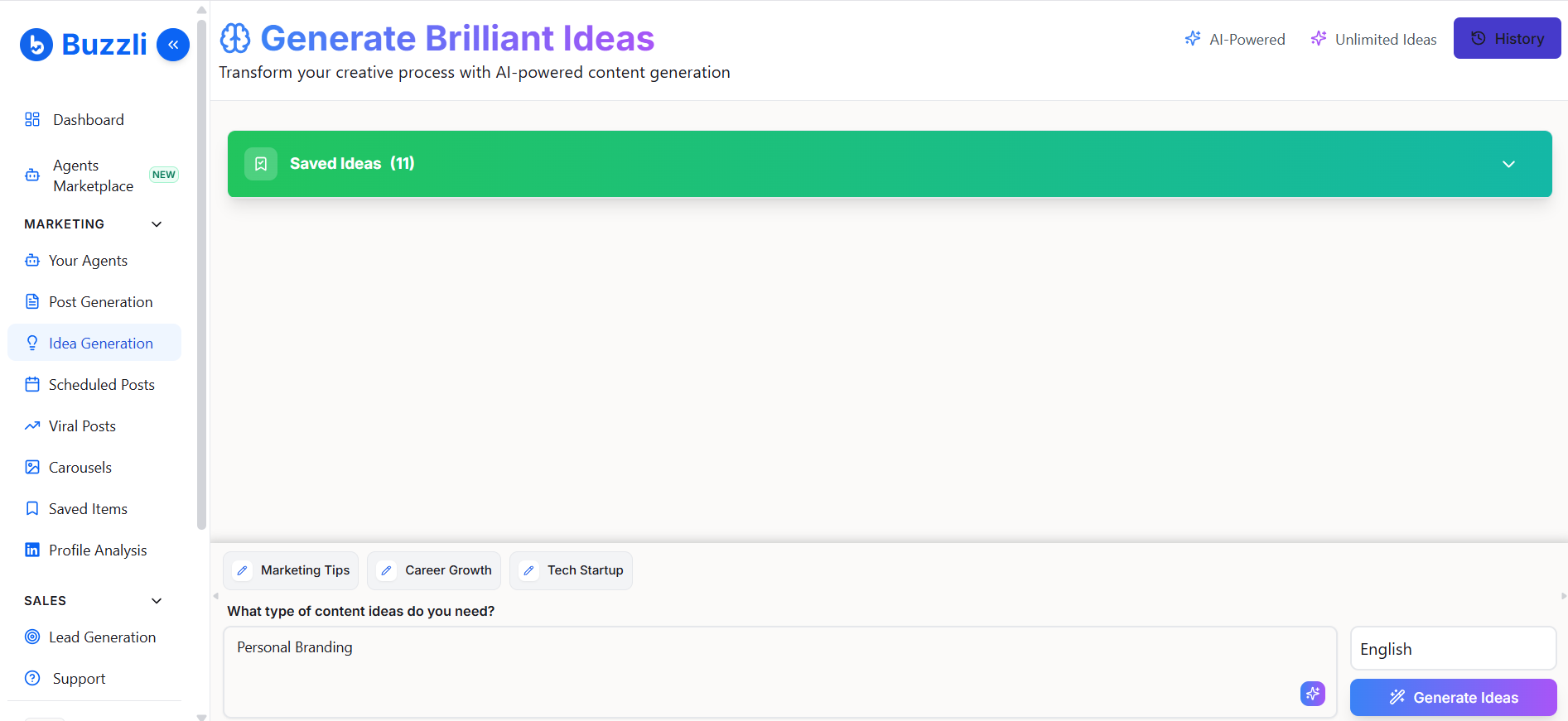
From the left-side menu, click on Idea Generation.
This is where you can generate content ideas based on your niche or topic.
Step 2: Enter your topic
In the input field, describe what kind of ideas you need.
Example: Personal Branding
You can also be more specific for better results:
- "Content ideas for startup founders"
- "LinkedIn posts on AI in marketing"
Once done, click Generate Ideas.
Step 3: View generated ideas
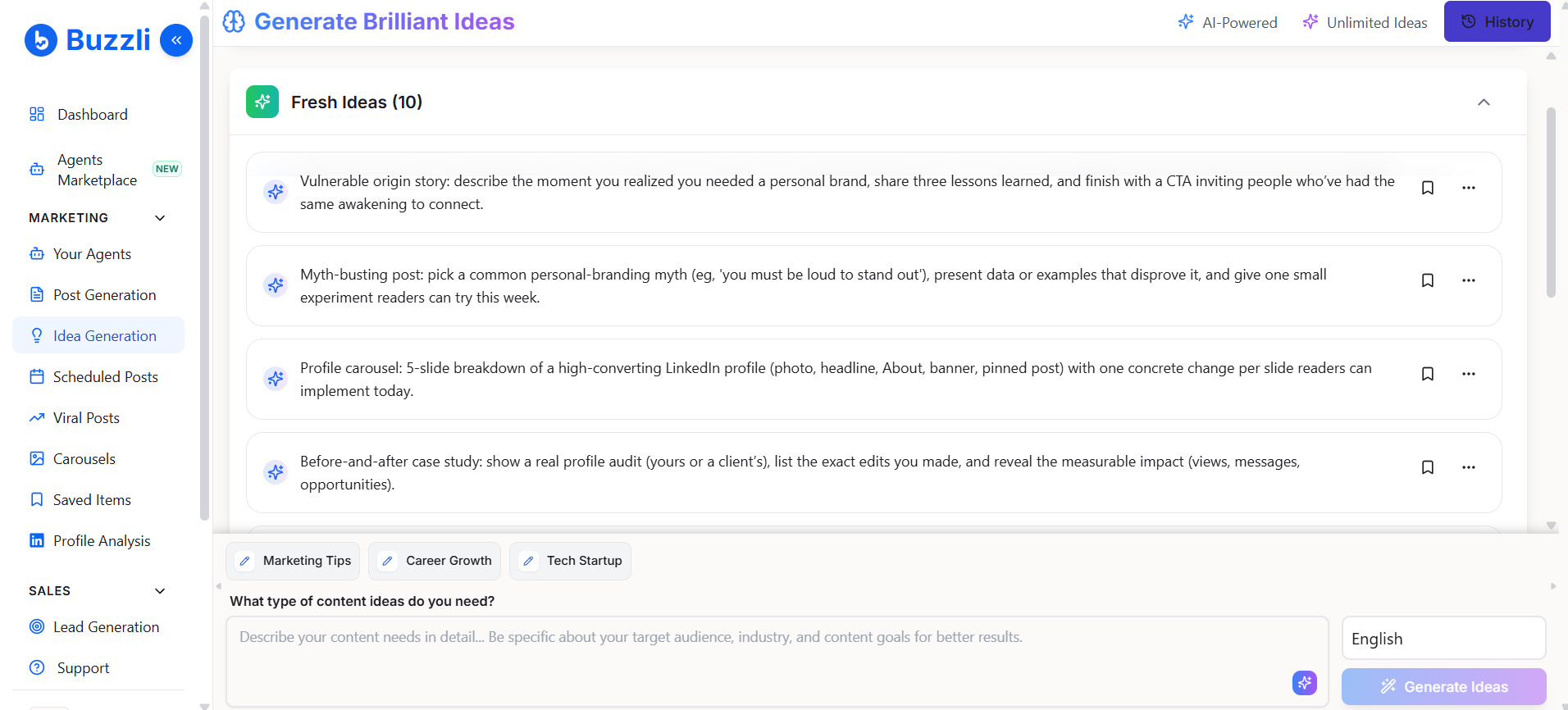
Buzzli will generate 10 content ideas based on your input.
Each idea is structured so you can directly turn it into a post or carousel.
👉 These are not random ideas - they are designed to be actionable and engaging.
Step 4: Save ideas (optional)
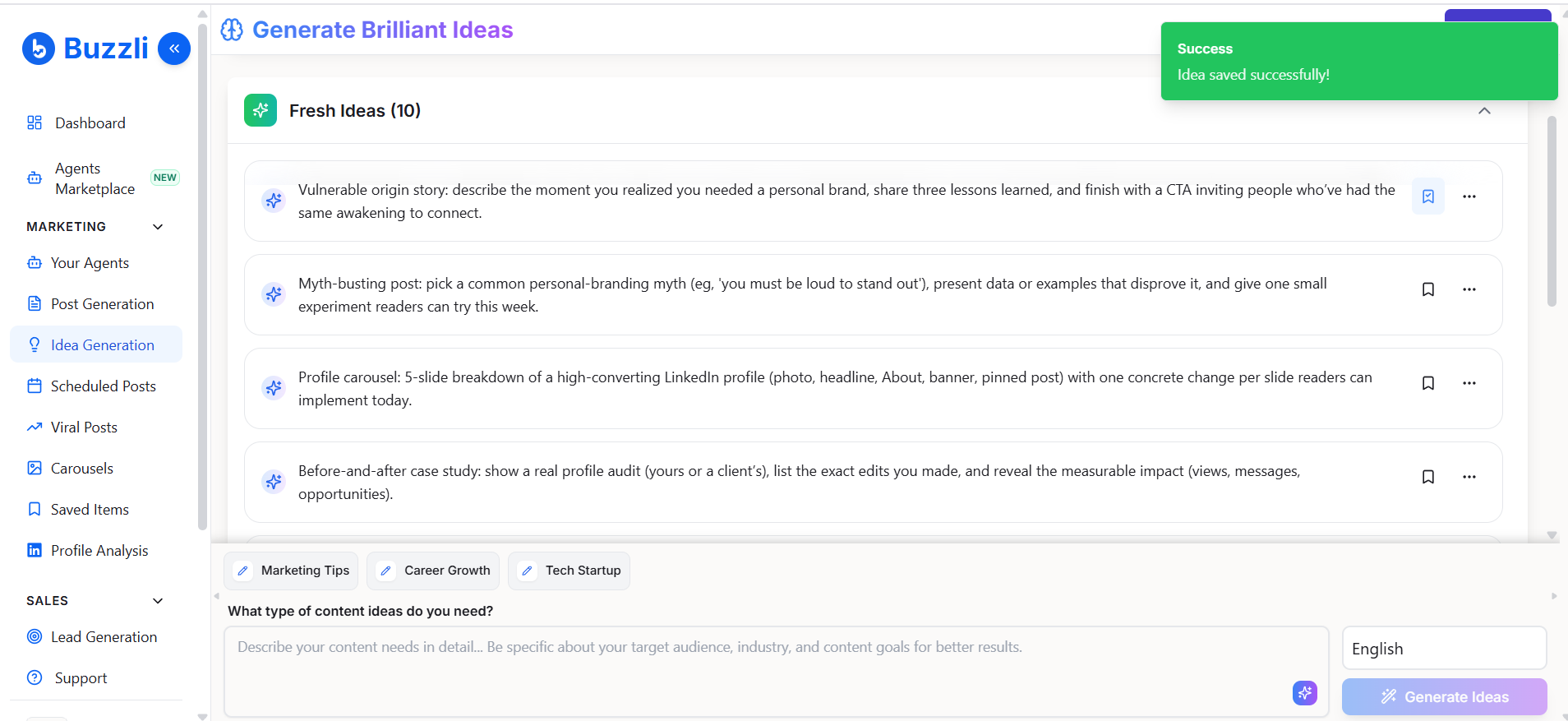
If you want to use an idea later, click the save icon.
Saved ideas can be accessed anytime from:
👉 Saved Items
Step 5: Create content from an idea
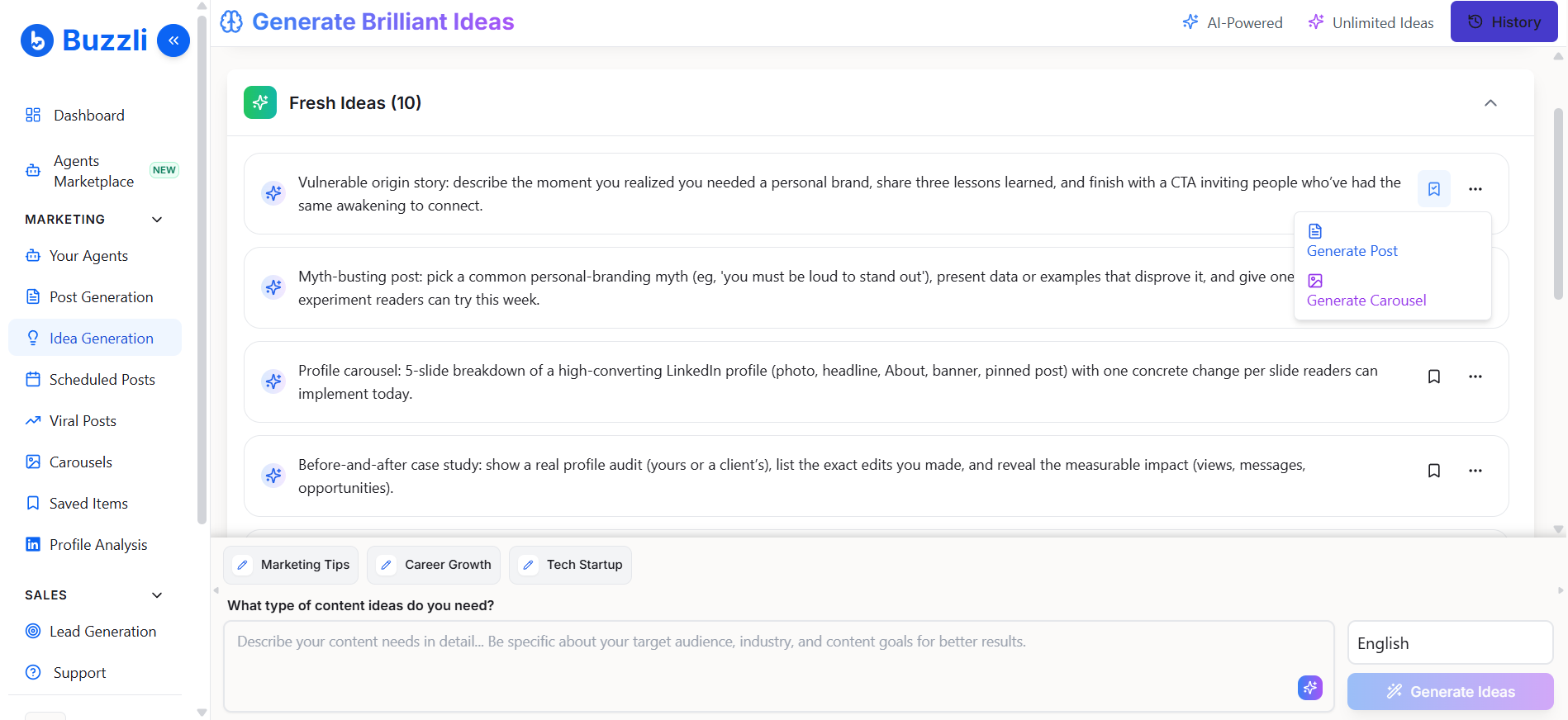
For any idea, click on the options menu (⋯).
You'll see options like:
- Generate Post
- Generate Carousel
Choose what you want to create.
Step 6: Generate your post
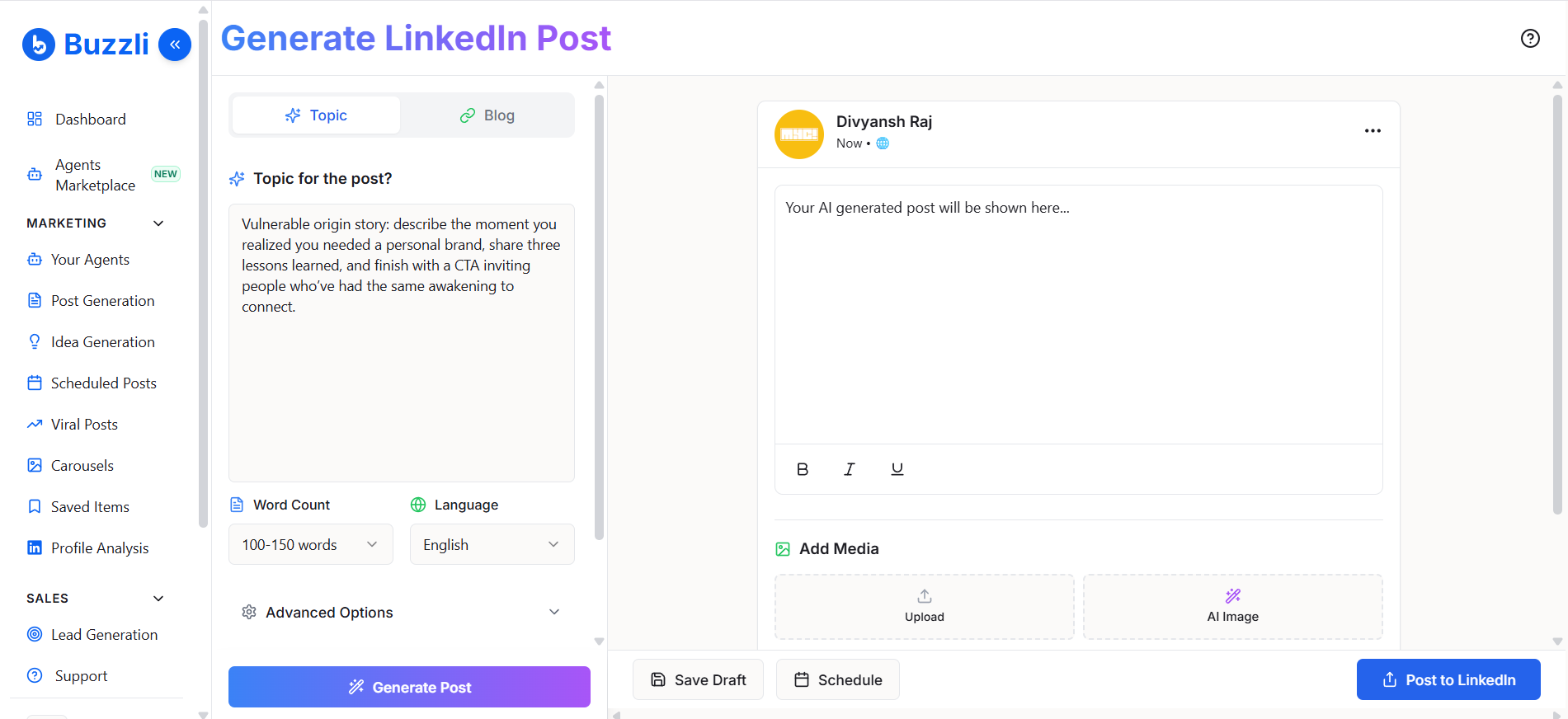
If you select Generate Post:
- The Post Generator will open automatically
- Your selected idea will already be filled in
You can now:
- Adjust settings (tone, audience, etc.)
- Click Generate Post
Step 7: Review and finalize
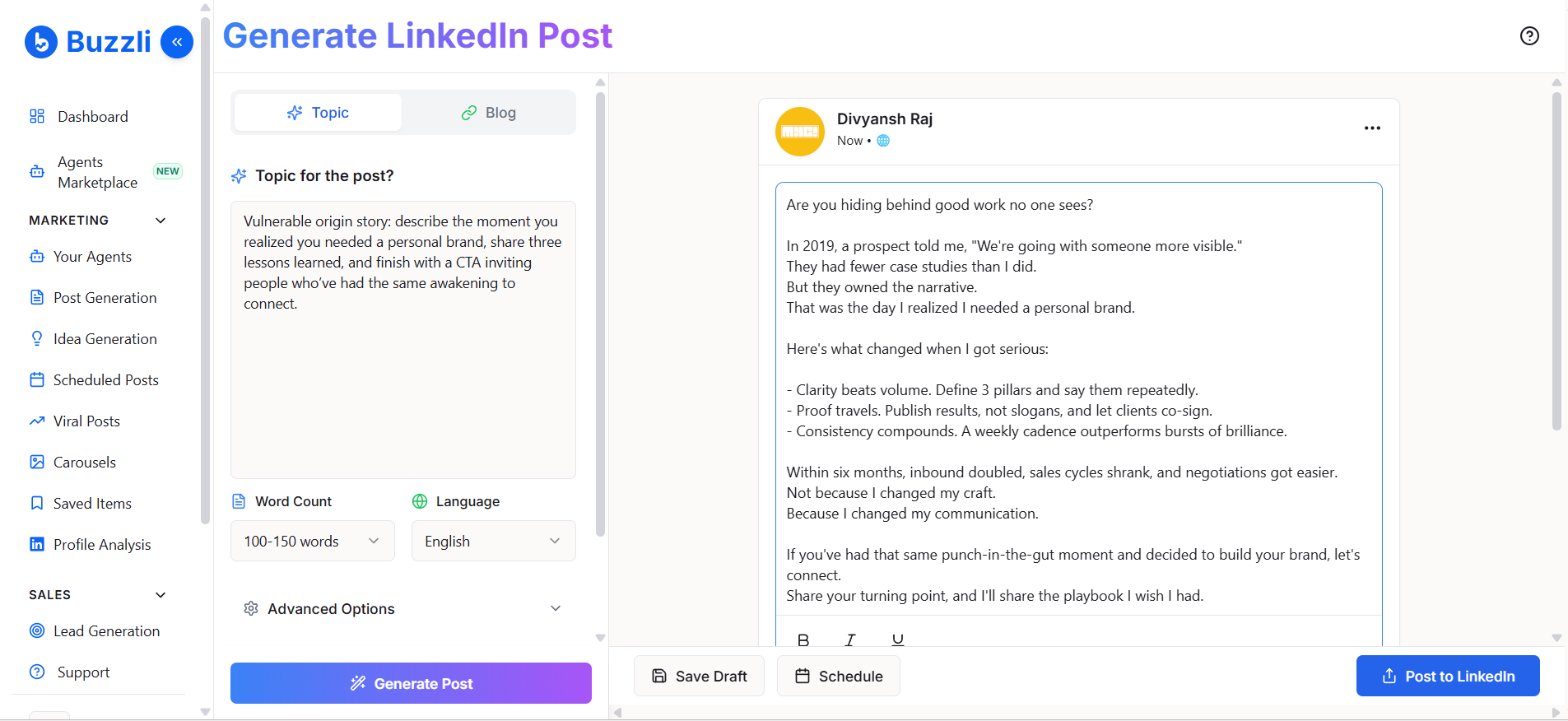
Buzzli will generate your LinkedIn post.
You can:
- Edit the content
- Add media (optional)
Then choose your next action:
- Save Draft
- Schedule
- Post to LinkedIn
Quick Flow
The full flow looks like this:
Enter topic → Generate ideas → Pick one → Generate post/carousel → Review → Publish