Buzzli's Carousel Generator helps you turn your ideas into high-performing LinkedIn carousels in minutes. You can generate, edit, preview, and download your carousel - all in one place.
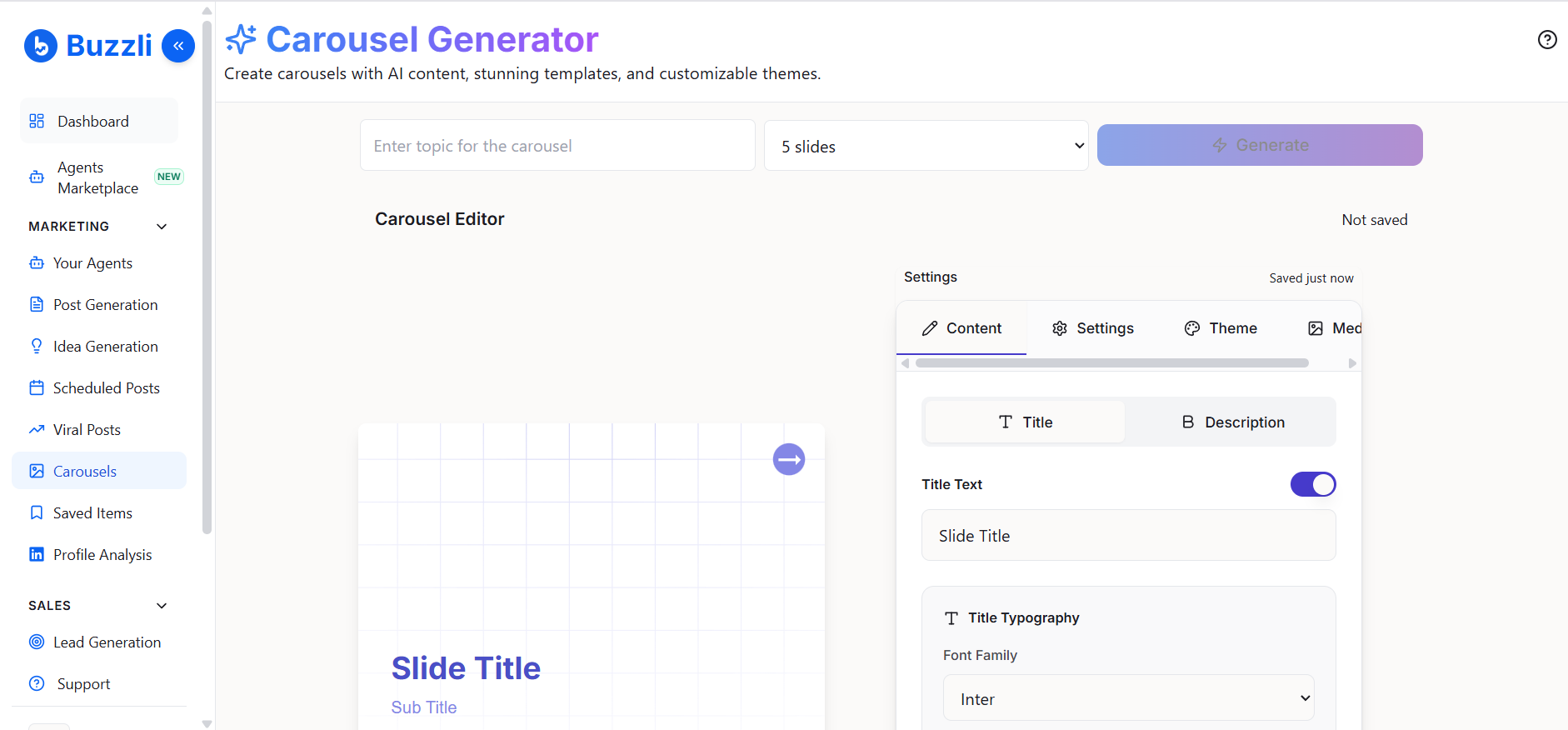
Step 1: Open Carousel Generator
From the left-side menu, click on Carousels.
This will take you to the Carousel Generator.
Step 2: Enter your topic
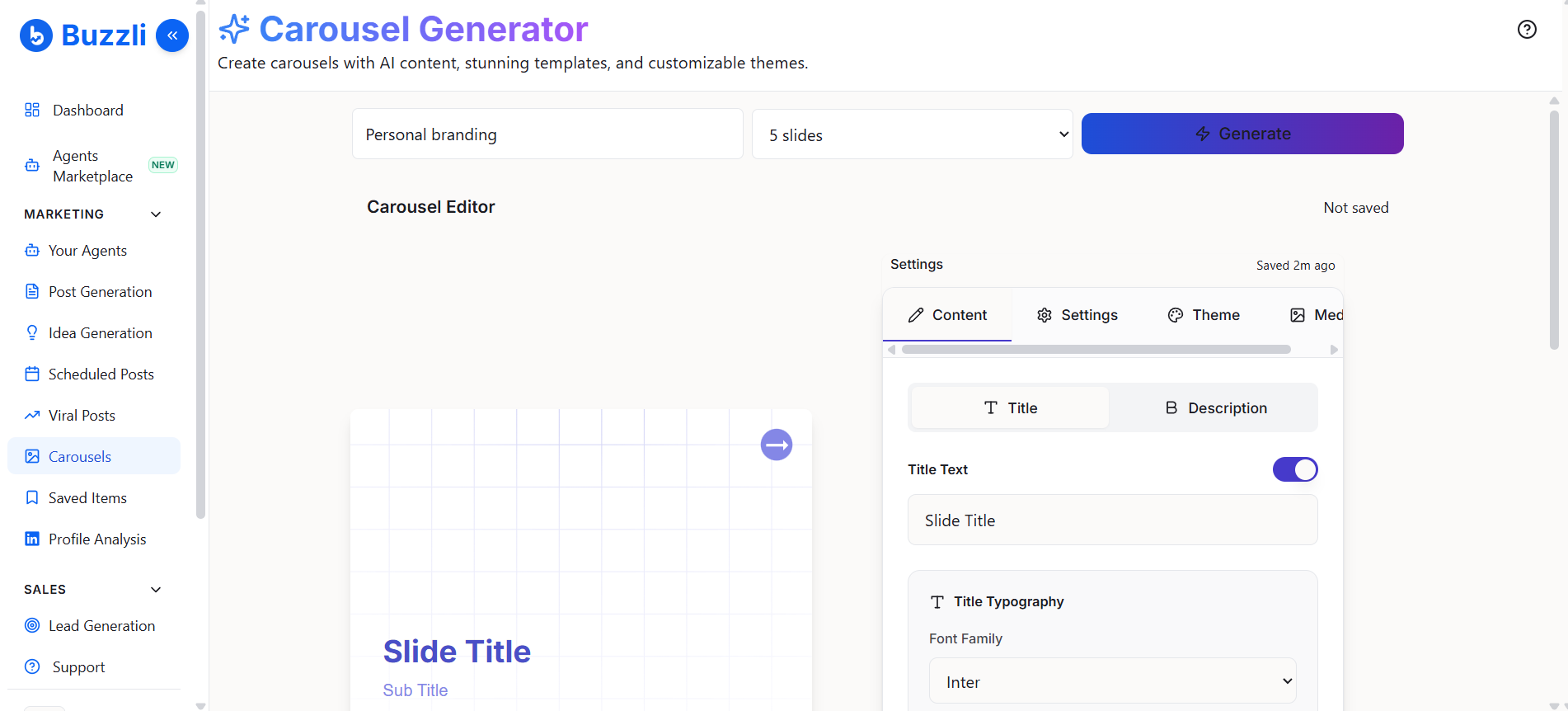
At the top, enter the topic or idea for your carousel.
For example: Personal branding
Next:
- Select the number of slides (e.g., 5 slides)
- Click Generate
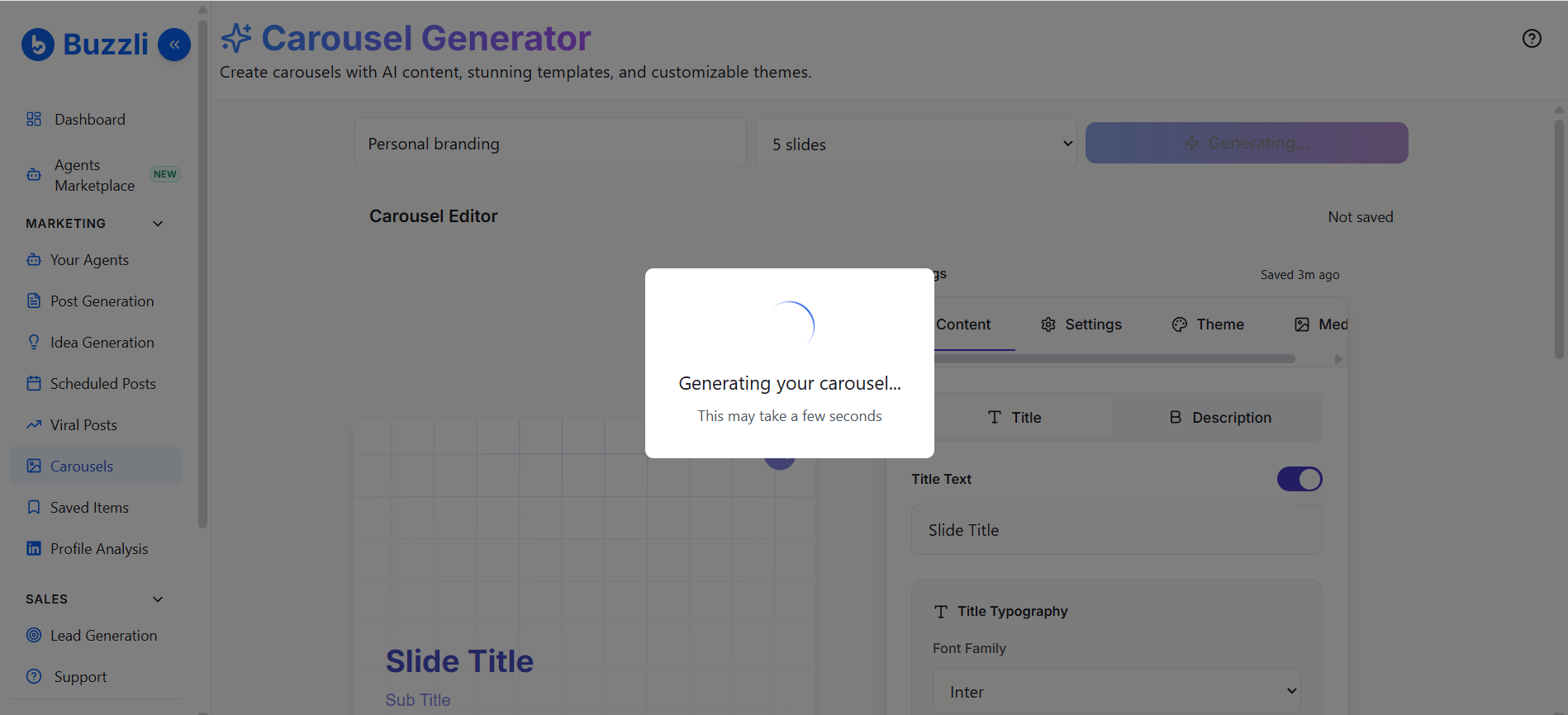
Step 3: Generate carousel content
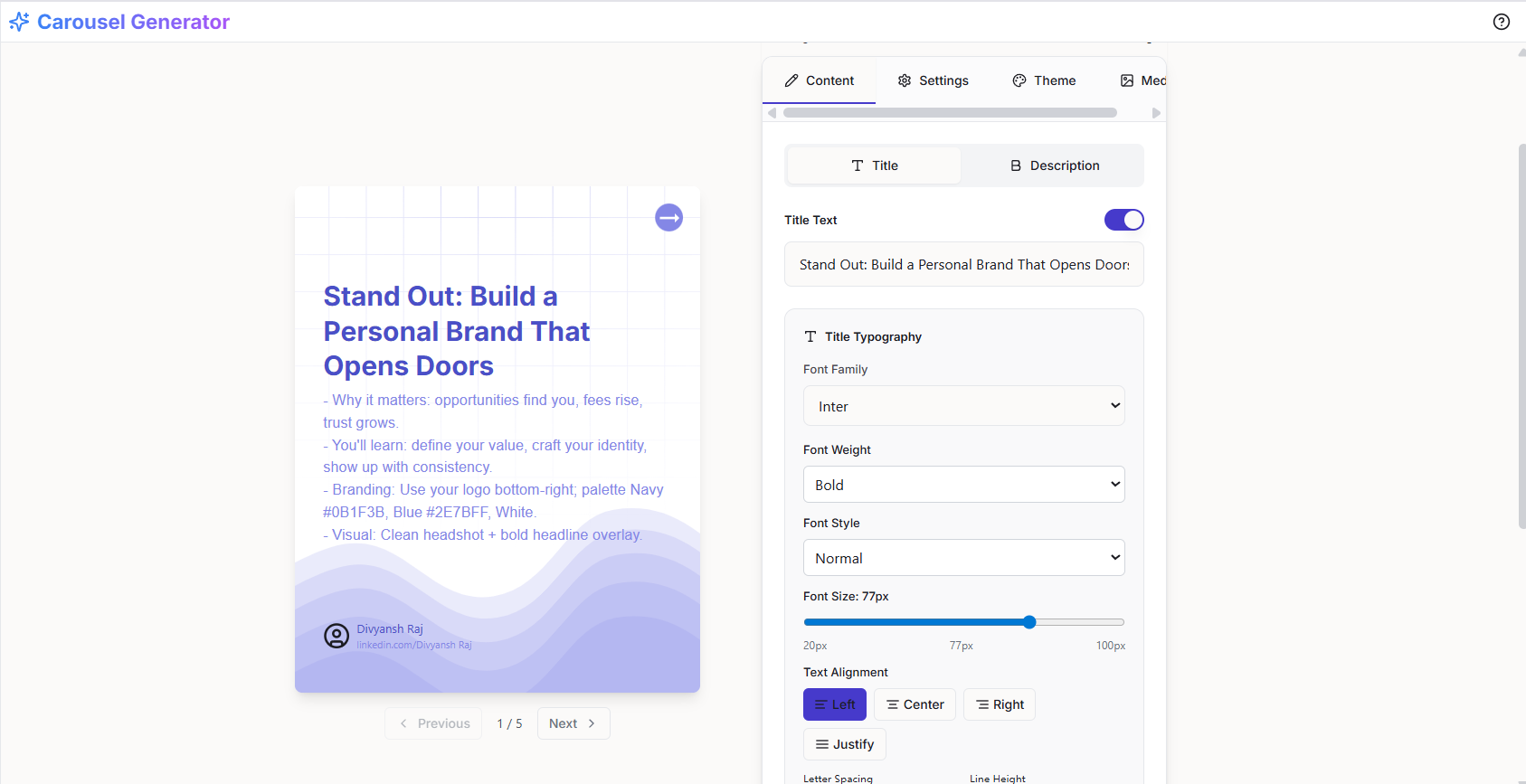
Buzzli will automatically generate:
- Slide titles
- Slide descriptions
These will be populated directly into the carousel editor. Each slide is structured for clarity and engagement.
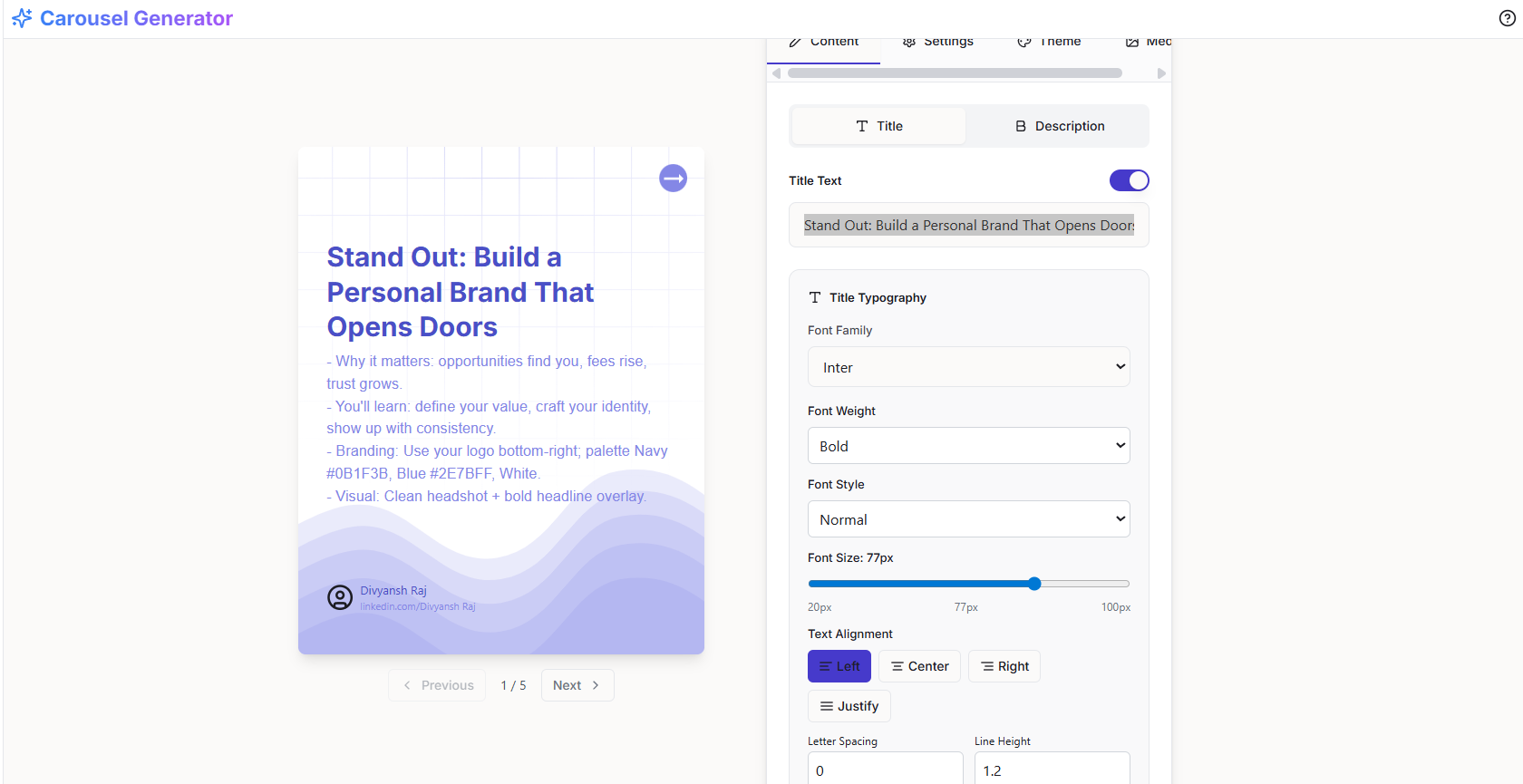
Step 4: Edit your content
You can customize your carousel content easily. Inside the editor:
Edit the Title
Edit the Description
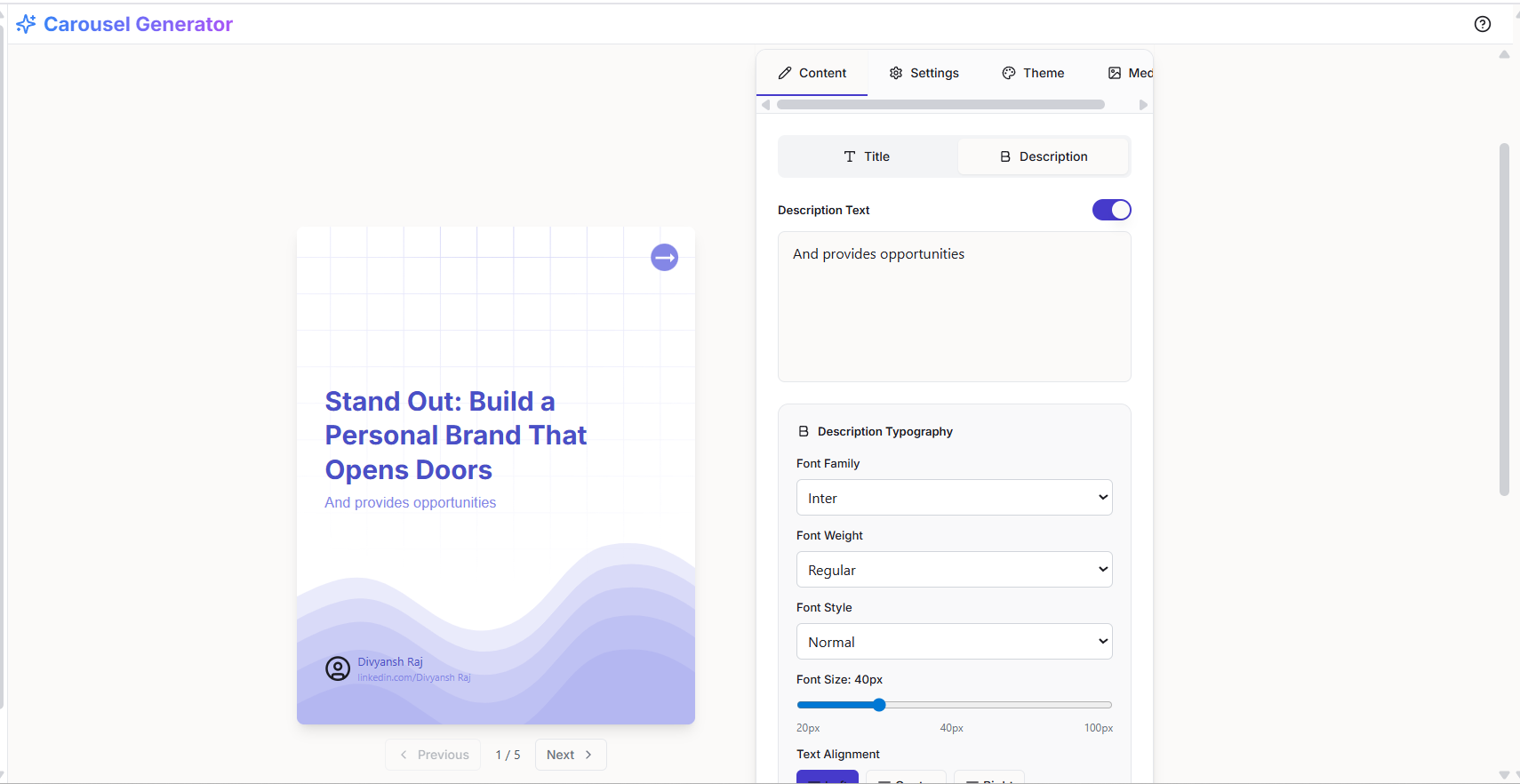
Make changes to better match your voice or message.
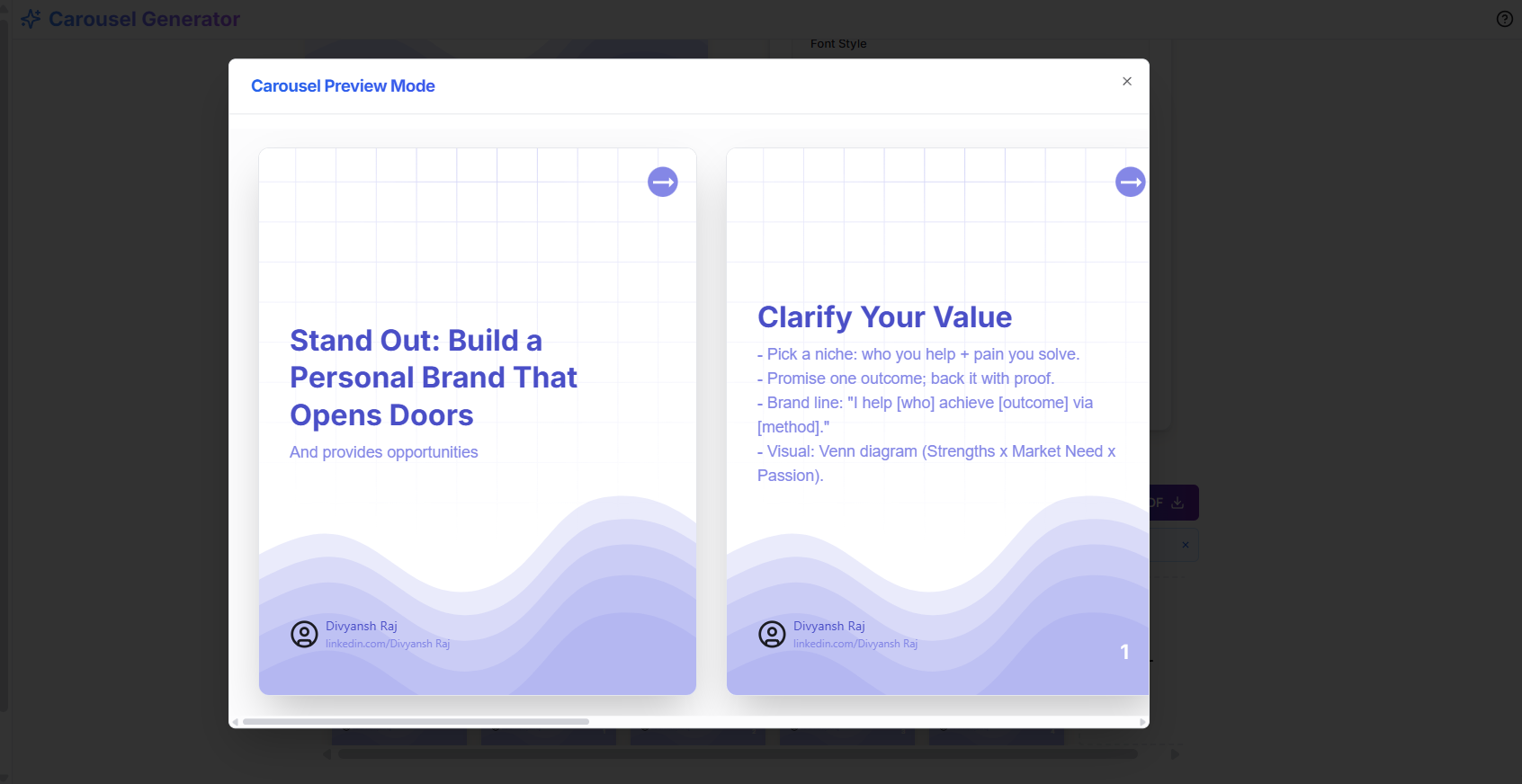
Step 5: Preview your carousel
Click Preview to see how your carousel will look.
You can:
- Review slide flow
- Check readability
- Ensure the content looks clean and structured
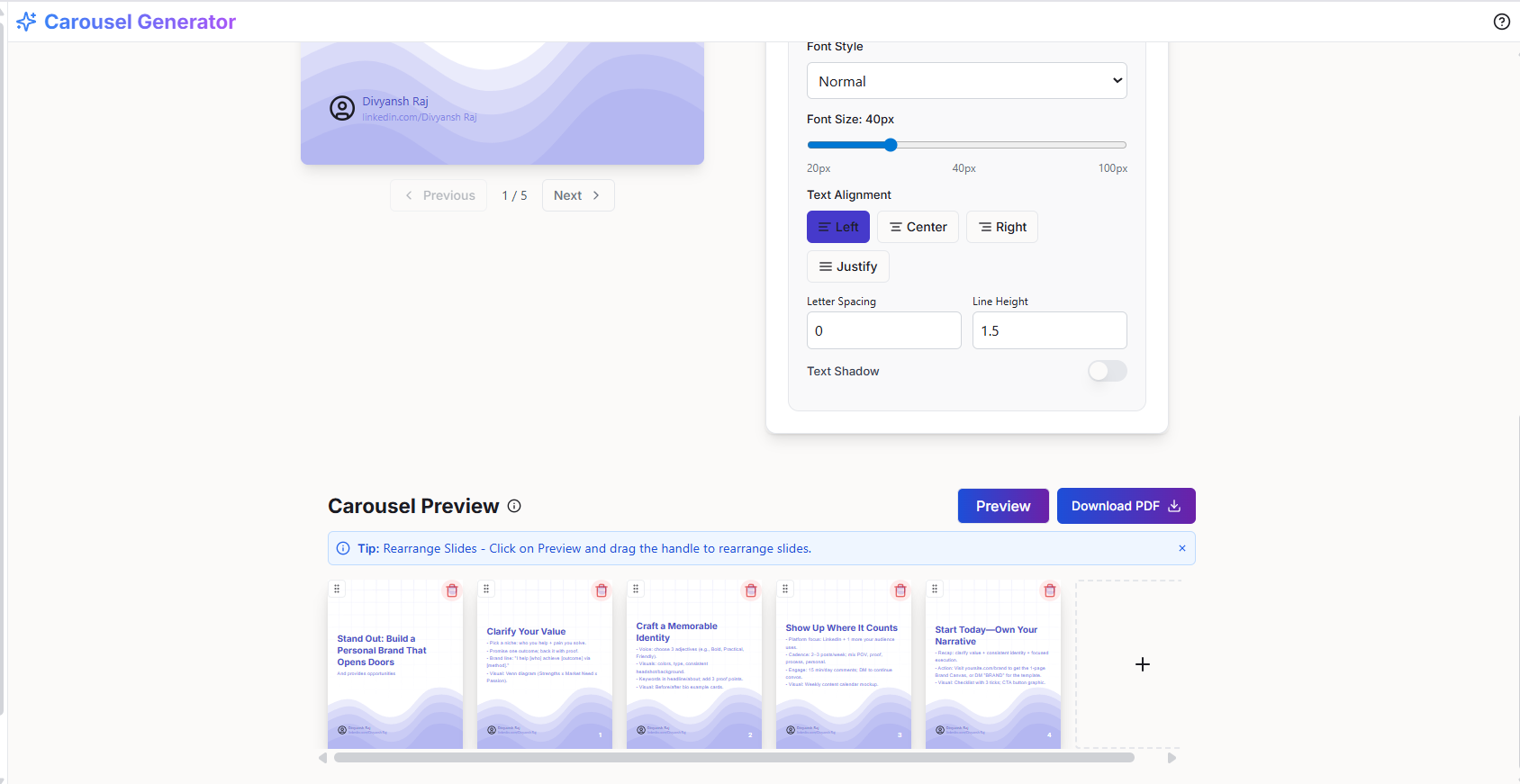
Step 6: Download your carousel
Once you're satisfied, click Download PDF.
Your carousel will be ready to upload directly to LinkedIn.
Quick Flow
Enter topic → Generate → Edit → Preview → Download
⚡ Pro Tip
Keep your slides simple.
One idea per slide → clear headline → short supporting text
This improves readability and engagement on LinkedIn.
What's Next?
Now that your carousel is ready:
- Upload it on LinkedIn
- Or go back and refine using themes & styling options