How to Find Viral Posts on LinkedIn
One of the biggest challenges on LinkedIn is not writing posts - it's knowing what actually works.
Most professionals end up:
- Guessing topics
- Copying random formats
- Posting content that never gains traction
The smarter approach is simple:
Study what's already going viral - and build from there.
In this guide, you'll learn how to find viral posts on LinkedIn using Buzzli's Viral Post Finder, step by step.
Why Finding Viral Posts Matters on LinkedIn
Viral LinkedIn posts reveal:
- Topics people currently care about
- Formats that drive engagement
- Writing styles that work for a specific audience
Instead of starting from a blank page, viral posts give you direction and validation.
The key is filtering them by the right topic - not scrolling endlessly.
Here is a step-by-step guide to finding and creating viral LinkedIn posts on Buzzli.
Step 1: Log into Buzzli
Start by logging into your Buzzli account.
Once inside, you'll land on your dashboard where all growth tools are available.
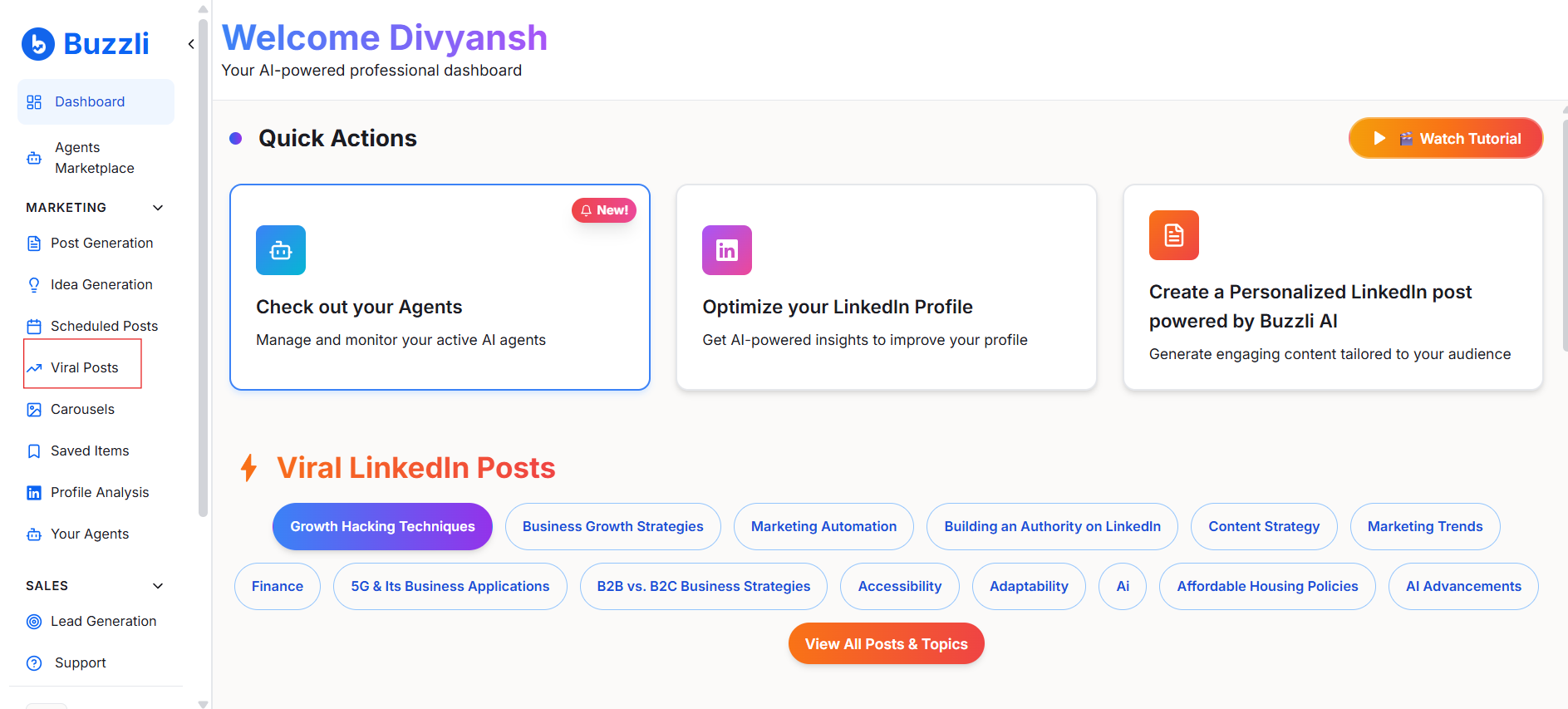
Step 2: Navigate to "Viral Posts"
From the left-hand menu, click on Viral Posts.
This section is designed to help you:
- Discover trending LinkedIn posts
- Track high-performing content by topic
- Use proven posts as inspiration
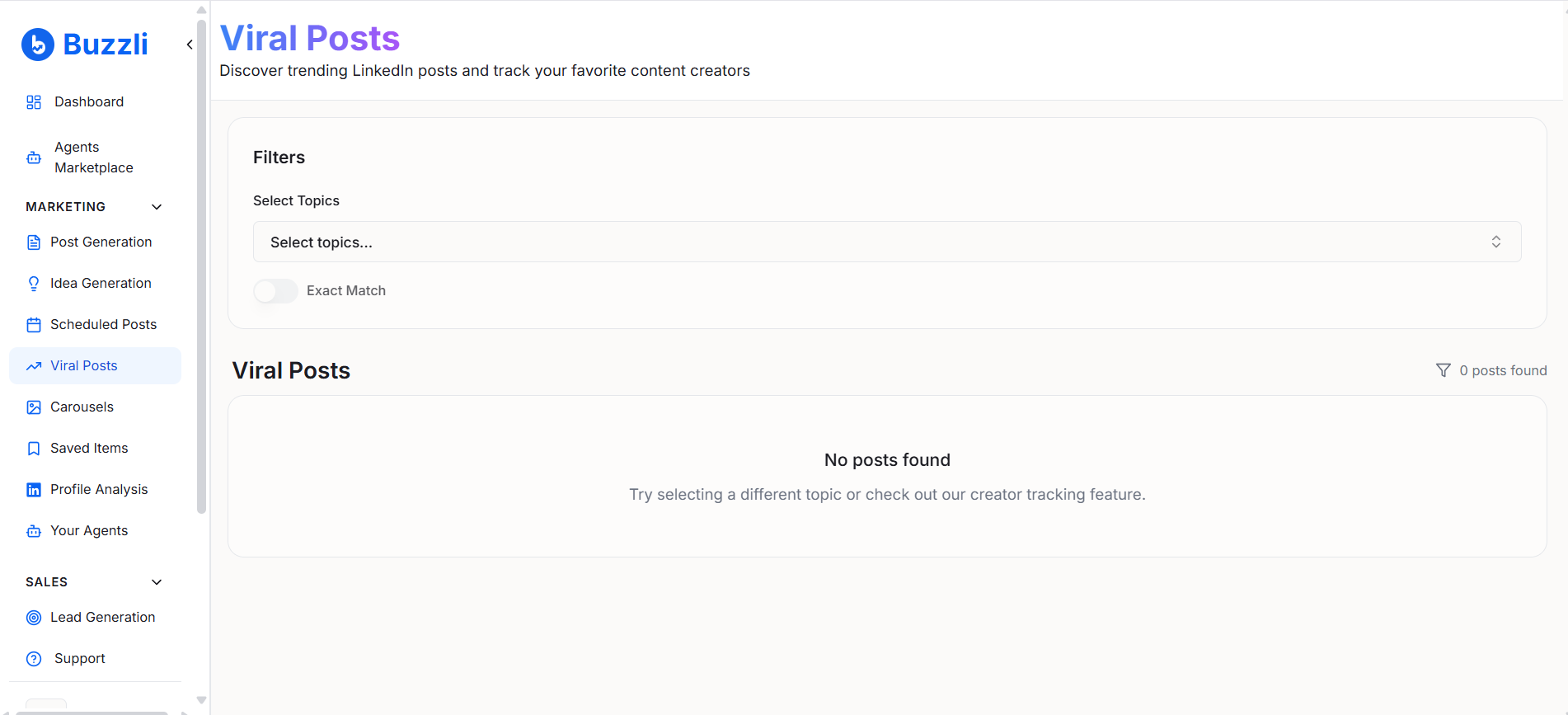
Step 3: Select the Topics You Want Viral Posts For
Click on Select Topics.
You can:
- Choose from suggested topics like Content Strategy, AI, Finance, Authority Building
- Type your own keyword to search for a specific niche
This allows you to find viral posts relevant to your industry and audience - not generic trends.
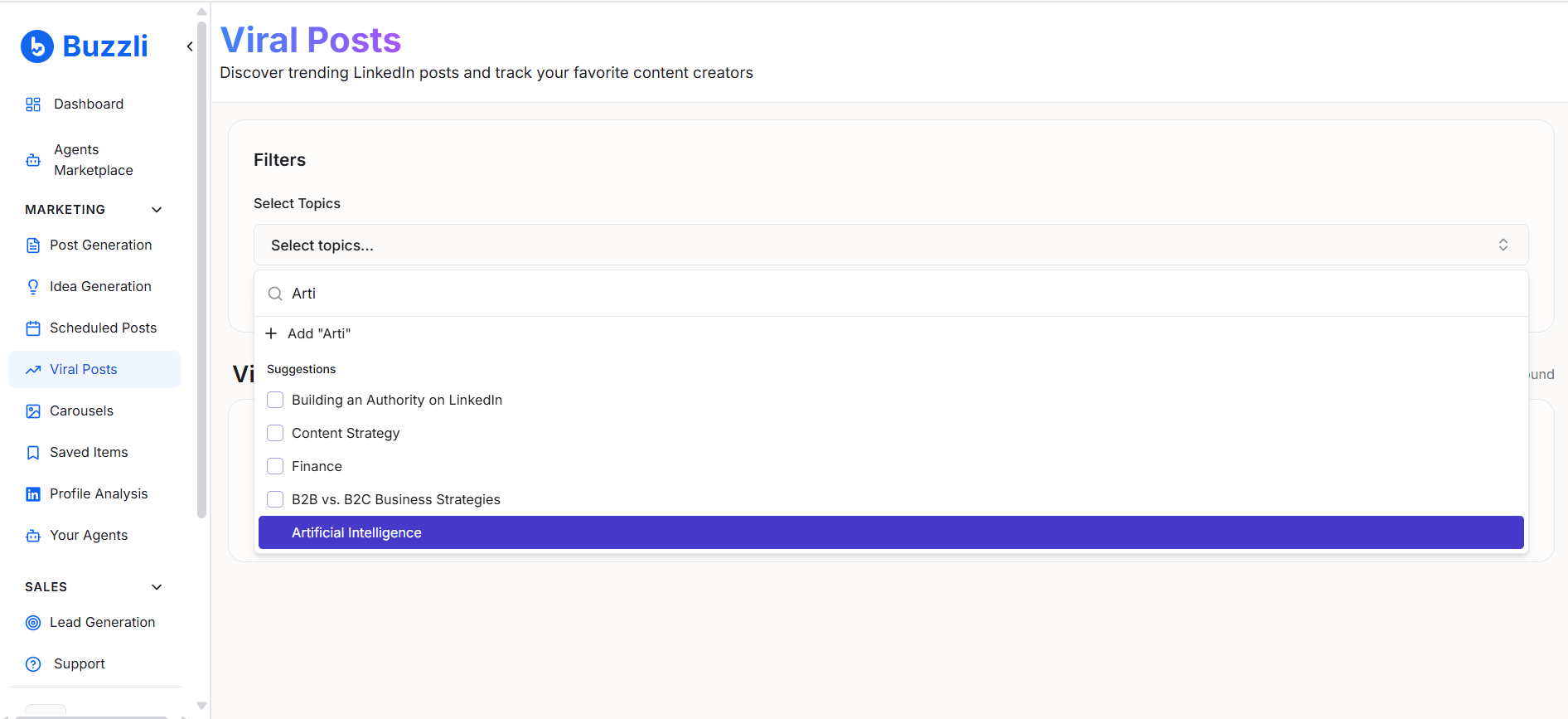
Step 4: View Viral Posts for Your Selected Keywords
Once you select a topic or keyword, Buzzli instantly shows:
- Viral LinkedIn posts related to that topic
- Engagement metrics (likes, comments)
- The original creator
This helps you understand:
- What angle worked
- How the post is structured
- Why people engaged with it
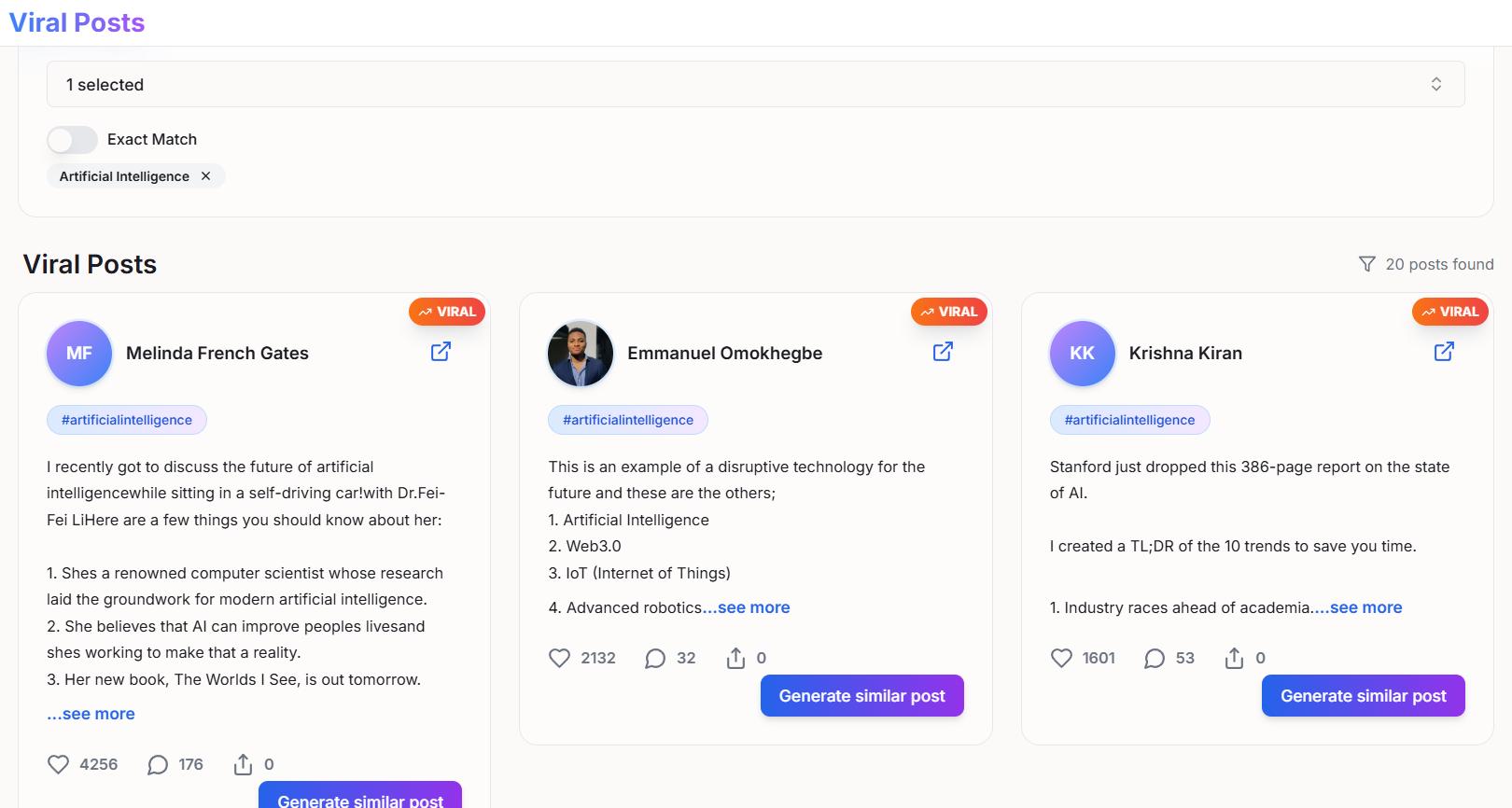
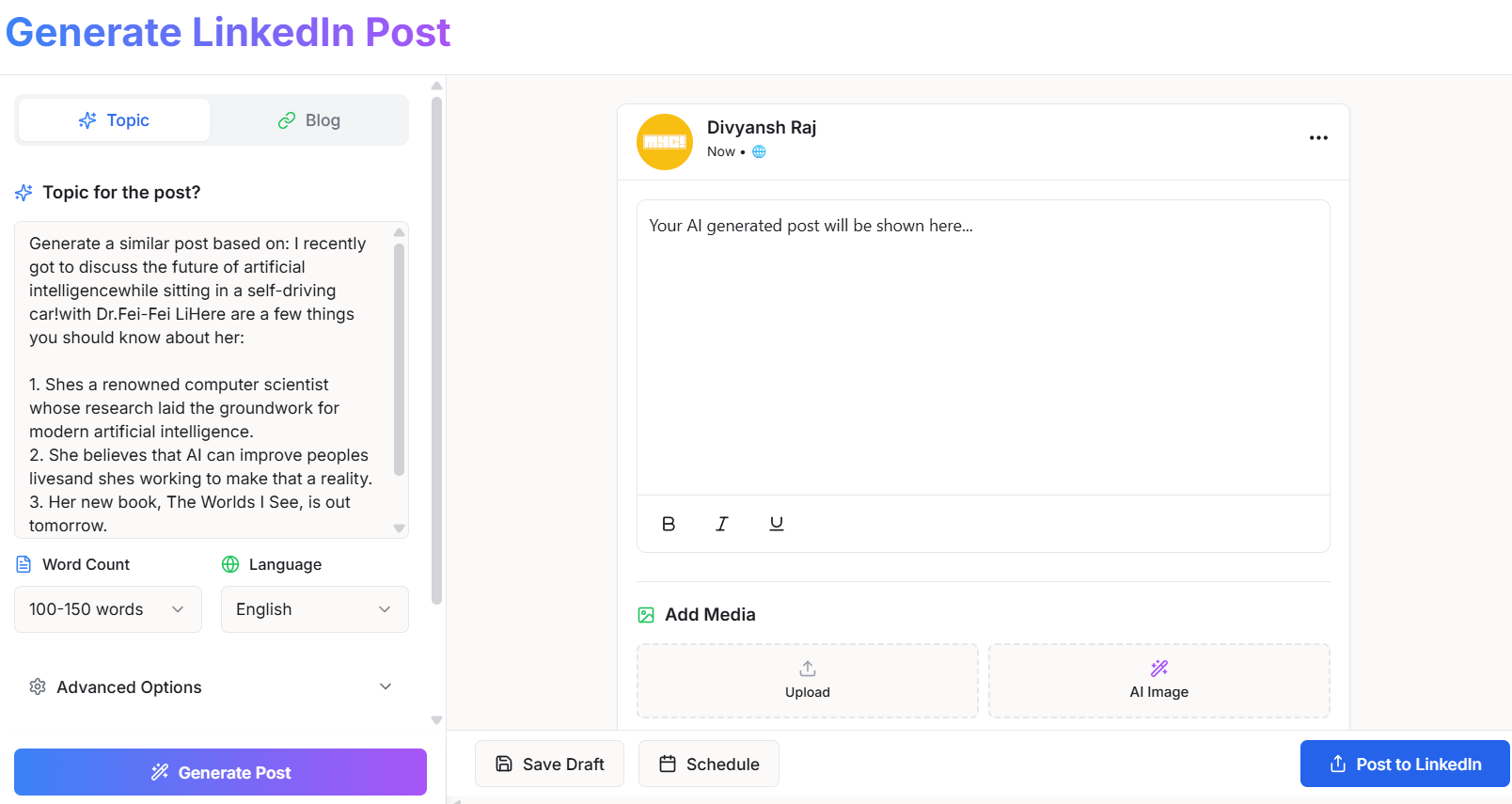
Step 5: Generate a Similar Post (Without Copying)
If you found a post you like?
Click on Generate Similar Post.

You'll be redirected to the Post Generation section, where:
- The viral post is used as inspiration
- You can tweak tone, structure, or message
- You generate a fresh post aligned to your voice
This ensures you learn from viral content without plagiarizing it.
Step 6: View the Original Post on LinkedIn
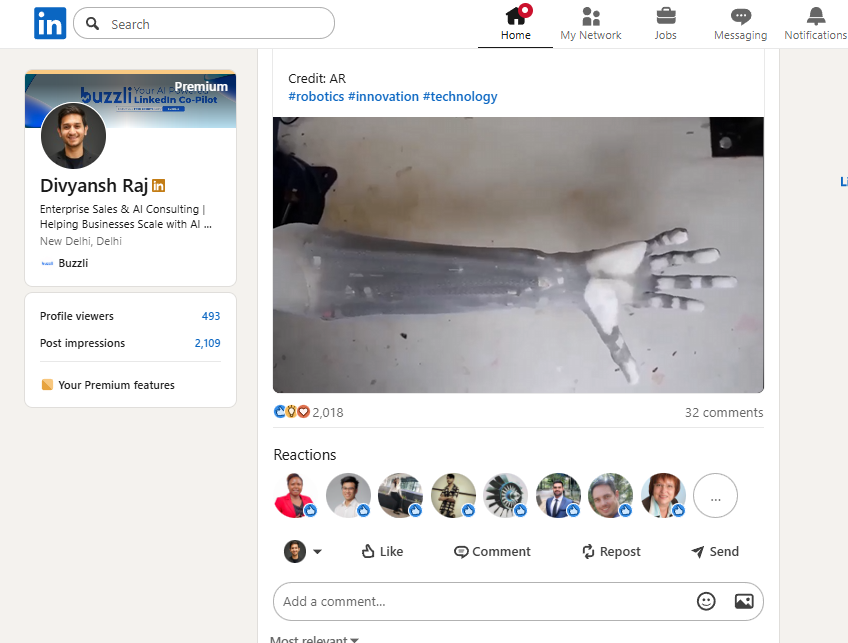
Buzzli also gives you the option to:
Open the original LinkedIn post directly on LinkedIn.
This is useful if you want to:
- Read comments for audience insights
- Understand discussion patterns
- See how creators respond and engage
How to Use Viral Posts the Right Way
Finding viral posts is only step one.
Use them to:
- Identify recurring themes
- Understand audience pain points
- Learn effective hooks and formatting
Avoid:
- Copy-pasting content
- Mimicking tone blindly
- Chasing virality without relevance
The goal is informed creation, not imitation.
Start Finding What Works
Viral posts are signals.
When used correctly, they:
- Reduce guesswork
- Improve content consistency
- Increase engagement over time
With Buzzli's Viral Post Finder, you don't need to scroll endlessly or rely on intuition. You can discover what's working - and build smarter LinkedIn content around it.
If you want to consistently write LinkedIn posts that perform well, start by learning from what's already working - and then adapt it to your voice.
Try Buzzli's Viral Post Finder →
Frequently Asked Questions
Q: How do I find viral posts on LinkedIn?
You can find viral posts by tracking engagement-heavy content around specific topics. Tools like Buzzli's Viral Post Finder help you filter LinkedIn posts by topic or keyword and surface posts with high likes and comments, making it easier to identify what's trending.
Q: What makes a LinkedIn post go viral?
LinkedIn posts usually go viral when they combine:
- A strong opening hook
- A relevant, timely topic
- Clear structure (short paragraphs or lists)
- Relatable insights or opinions
High engagement in the first few hours also plays a big role.
Q: Is it okay to reuse viral LinkedIn post ideas?
Yes, but you should never copy a viral post. Use viral posts as inspiration to understand the topic, angle, or structure - and then create a fresh post in your own voice with your own perspective.
Q: Can viral posts help improve my LinkedIn content strategy?
Absolutely. Studying viral posts helps you understand what your audience responds to, reduces guesswork, and allows you to build a more consistent and data-backed LinkedIn content strategy over time.