LinkedIn AI Image Generator
Transform your LinkedIn posts with AI-generated visuals. Create billboard-style graphics, banner formats, and 4D color images that stop the scroll and drive engagement. Each format has unique attention-seeking power for different LinkedIn content types.
750 free credits • Professional quality • Instant download
LinkedIn Image Formats That Drive Maximum Engagement
Choose from three trending LinkedIn image styles, each with different attention-seeking capabilities optimized for viral potential and algorithm performance
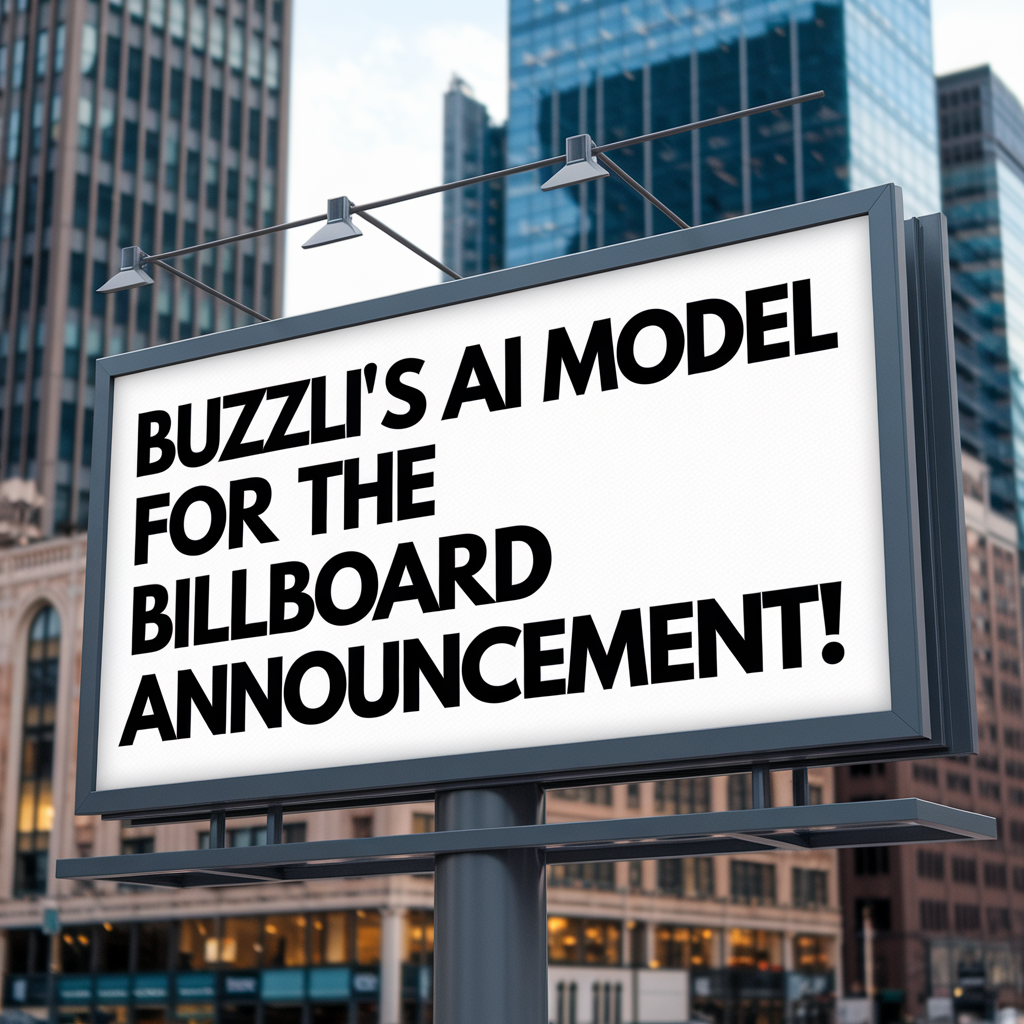
Billboard-Style LinkedIn Posts
Bold, large-format graphics that command attention in LinkedIn feeds. High contrast text on striking backgrounds.
Perfect for LinkedIn:
- Product or service launches
- Company announcements
- Thought leadership statements
- Major business updates
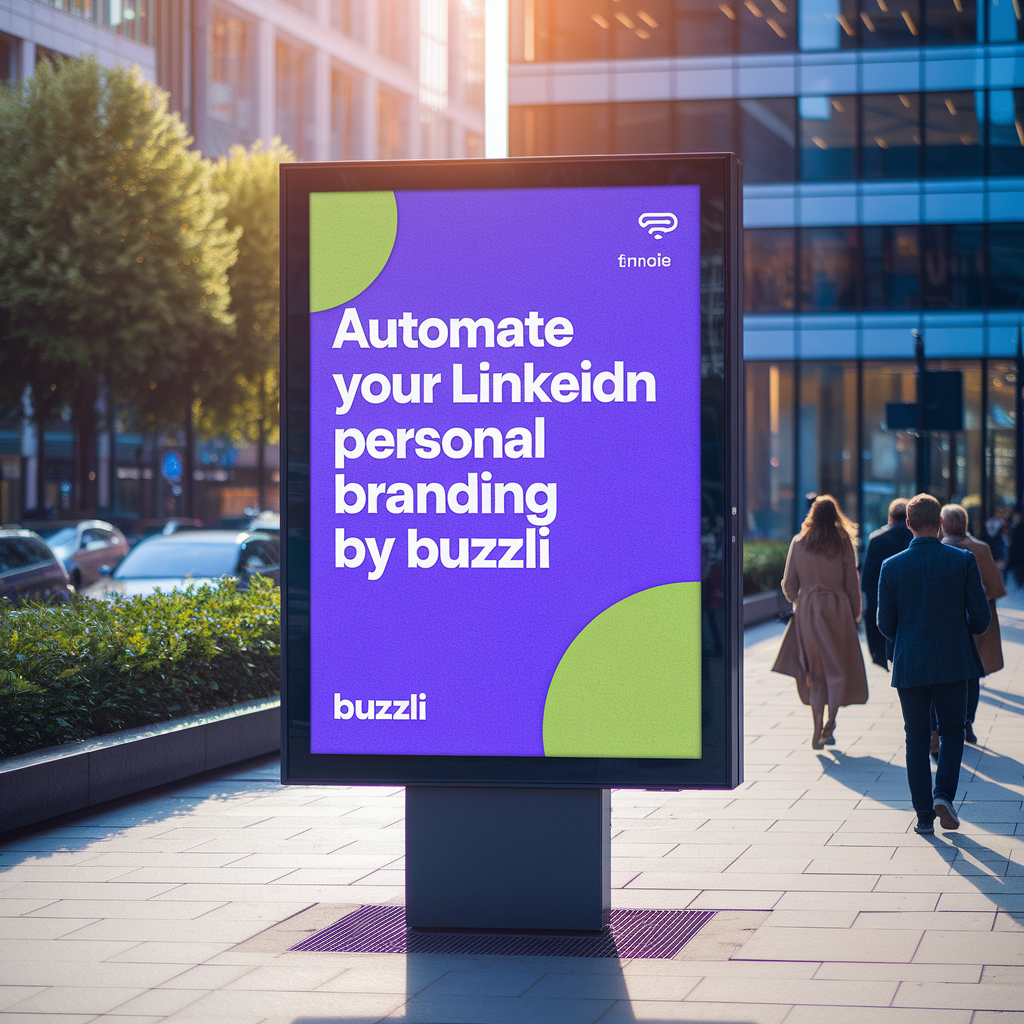
Roadside Banner Format
Clean, professional banner-style graphics with clear messaging that cuts through LinkedIn noise.
Perfect for LinkedIn:
- Educational tips and advice
- Service or skill promotion
- Industry insights sharing
- How-to content highlights
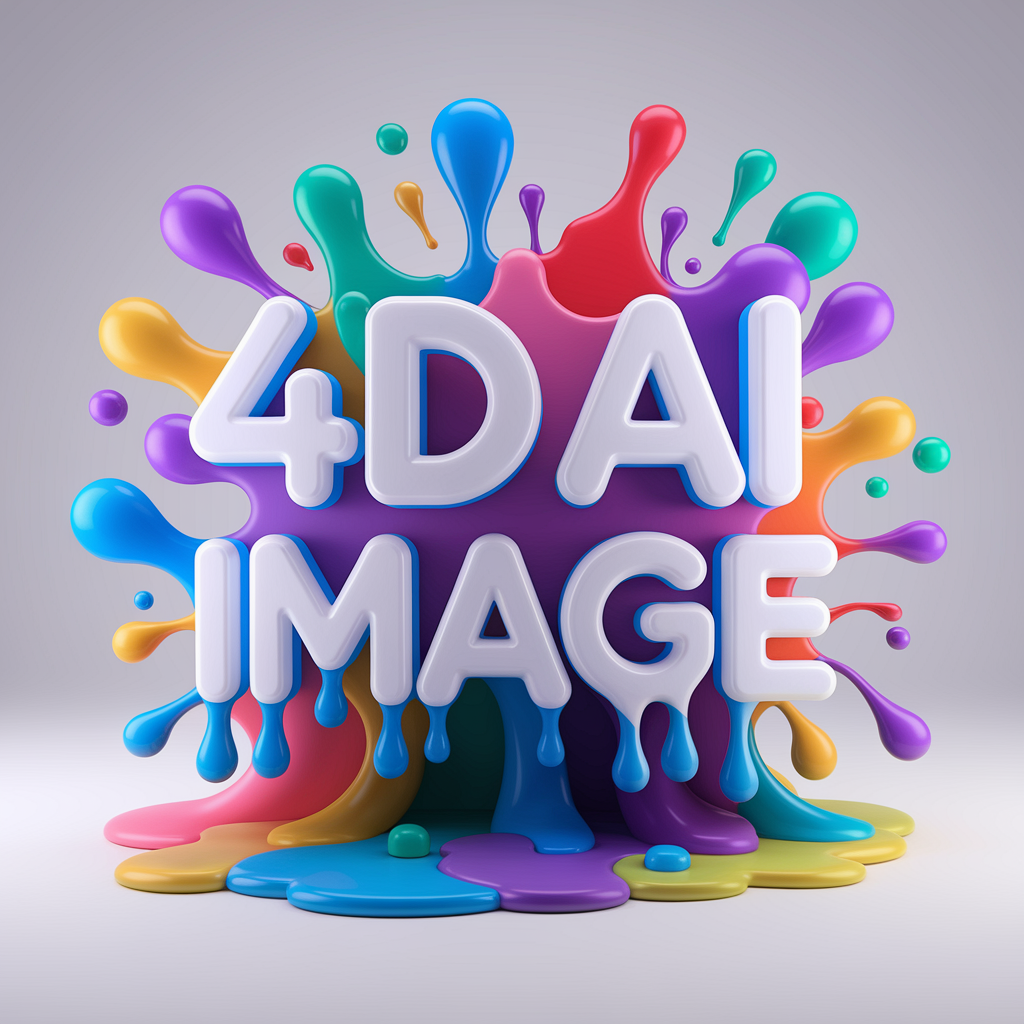
4D Color LinkedIn Graphics
Vibrant, multi-dimensional visuals with depth and modern appeal. Trend-optimized for LinkedIn's visual algorithm.
Perfect for LinkedIn:
- Personal branding content
- Motivational and inspirational posts
- Creative industry updates
- Trend-following content
See What You Can Create
Real examples of LinkedIn images generated with our AI tool
Billboard Style
High-impact announcement format
Banner Format
Clean, professional messaging
4D Color Graphics
Vibrant, trend-optimized visuals
Each format is designed to perform differently on LinkedIn - choose based on your content goals and audience preferences.
Which LinkedIn Image Format Should You Choose?
Match your image style to your content strategy for maximum LinkedIn performance
When to Use Billboard Style
Choose when you need maximum impact and attention
- • Launching something new
- • Making major announcements
- • Sharing big achievements
- • Important business updates
When to Use Banner Format
Perfect for educational and informational content
- • Sharing tips and advice
- • Educational content
- • Service explanations
- • Professional insights
When to Use 4D Color Graphics
Best for personal branding and trending content
- • Personal branding posts
- • Motivational content
- • Trend-focused updates
- • Creative industry content
Powerful AI Image Creation Features
AI-Powered Design
Advanced AI creates professional-quality images based on your text input and style preferences.
Custom Styling
Choose from professional business, modern tech, creative abstract, and minimalist clean styles.
High-Resolution Export
Download images in high resolution perfect for print, digital use, and social media posting.
Frequently Asked Questions
What types of LinkedIn images can I generate with AI?
Buzzli creates three trending LinkedIn image formats: Billboard-style posts (high-impact announcements), Roadside banner format (clear messaging that stands out), and 4D Color graphics (vibrant, algorithm-friendly visuals). Each has different attention-seeking capabilities optimized for LinkedIn engagement.
How does the LinkedIn image generation work?
Simply enter your text, select the LinkedIn image style (billboard, roadside banner, or 4D color), and our AI creates eye-catching graphics in seconds. Each format is specifically designed to perform well on LinkedIn and grab attention in the feed.
Which image format gets the most LinkedIn engagement?
Each format serves different purposes: Billboard-style for announcements and major updates, Roadside banners for tips and advice posts, and 4D Color images for personal branding and motivational content. All are optimized for LinkedIn's visual trends and algorithm preferences.
Why are these image styles effective on LinkedIn?
These formats follow current LinkedIn visual trends and are designed with optimal attention-seeking capabilities. They break through the noise of text-heavy feeds and encourage users to stop scrolling, leading to higher engagement rates.
Is the LinkedIn image generator free to use?
Yes! Start with 750 free credits to generate multiple LinkedIn images and test which formats work best for your content strategy. Each image generation costs a small number of credits.